
Let’s be honest: most workplace communication problems aren’t about people being difficult. They’re about using the wrong tools—or using the right tools poorly.
You might have email threads that never end, Slack messages that get ignored, or team members who say “I didn’t see that” more often than you’d like. If that sounds familiar, you’re not alone. Many business owners and managers struggle to get internal communication right, even when everyone means well.
The good news? You don’t need a massive budget or a complete culture overhaul. Below are seven creative, practical ways to improve business communication—plus honest advice on what can go wrong and how to fix it.
1. Adopt AI Solutions for Repetitive Tasks (But Don’t Overdo It)
Artificial intelligence (AI) is no longer a futuristic fantasy. According to recent industry data, AI adoption in business has grown to around 35%, and in some sectors, it’s nearly everywhere. But here’s what many articles won’t tell you: AI works best when you use it for the boring stuff, not the brainy stuff.
For example, virtual assistants powered by AI can schedule meetings, manage email inboxes, and send reminders. They outperform humans in repetitive tasks, doing them accurately and without complaint. That frees your people to focus on complex, creative work that actually needs human expertise.
A common concern people have:
“Will AI replace my team?”
No. But a person using AI might outwork someone who refuses to learn it. Start small: use AI to draft routine internal updates or summarize long email threads. You’ll be surprised by how much time you save.
Real-world tip: One small business owner told me they saved 10 hours a week just by using AI to transcribe and summarize team meetings. That’s time back for strategy, not spreadsheets.
2. Create an Intranet That People Actually Want to Visit
An intranet sounds old-school, but a modern private network can be a game-changer for information sharing. The problem is that many intranets become digital graveyards—outdated policies, broken links, and zero engagement.
So how do you do it right?
- Make it the single source of truth for company documents, policies, and announcements.
- Include a search function that actually works.
- Add a simple “What’s new” section so employees don’t have to dig.
When done well, an intranet becomes the central location where employees access important documents without chasing colleagues via email.
What users often ask:
“Isn’t an intranet just another thing to maintain?”
Yes, but so is email chaos. Set a rule: one person owns the intranet, and content gets reviewed quarterly. That keeps it useful, not overwhelming.
3. Use Project Management Software With Mind Mapping
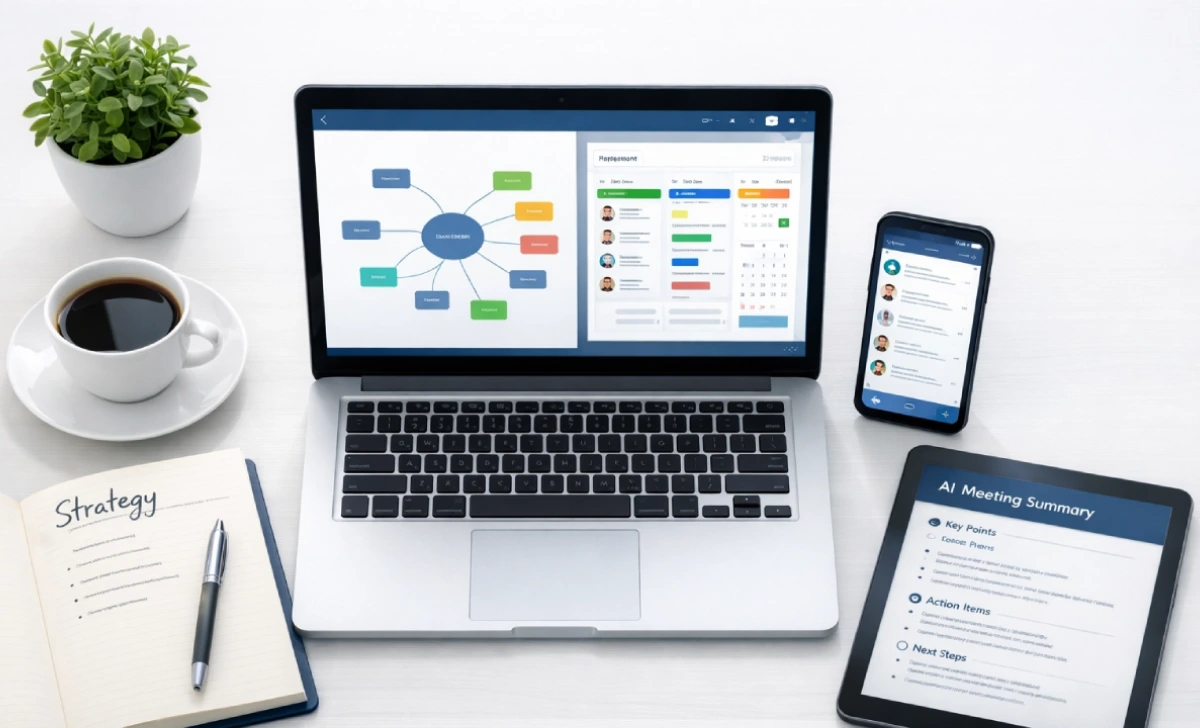
Project management software is everywhere—Trello, Asana, Monday, ClickUp. But simply having the tool doesn’t fix communication. The magic happens when you integrate mind-mapping techniques into your workflow.
Why? Because projects with multiple stakeholders often break down not because people don’t care, but because they can’t see the full picture. Mind mapping helps teams visualize work breakdown structures, explore creative solutions, and pinpoint potential risks before they become problems.
This holistic method fosters seamless communication among team members and creates a centralized hub for discussions, task assignments, and progress reports.
A real frustration people share:
“We use project management software, but nobody updates their tasks.”
That’s a habit problem, not a tool problem. Start every Monday with a 10-minute “task check-in” meeting. No long discussions—just updates. Within two weeks, it becomes routine.
4. Implement a Messaging App (And Set Ground Rules)
Messaging apps like Slack, Microsoft Teams, or even WhatsApp groups can be excellent for real-time messaging. They let employees send messages, share files, and make video calls, whether in the office or working remotely.
But here’s where many teams go wrong: no boundaries.
Without clear rules, messaging apps create constant interruptions. Every ping feels urgent, and deep work disappears.
What works:
- Use channels for specific topics (don’t mix watercooler chat with client updates).
- Set “do not disturb” hours.
- Teach your team that not every message needs an immediate reply.
A common complaint:
“My team expects me to reply 24/7 just because they can see I’m online.”
That’s a leadership issue. Model the behavior you want: mute notifications after hours and openly say, “I’ll reply tomorrow morning.”
5. Set Up a Conference Line (Yes, Sometimes Simple Wins)
In a world of fancy video tools, the humble conference line still has value. Why? Because not everyone has strong Wi-Fi. Not every client wants to download another app. And sometimes, audio-only calls are more efficient.
Conference lines allow multiple people to participate in a call, making it convenient to connect with employees or clients in different parts of the world without video fatigue.
What people don’t say enough:
Video calls are draining. Audio calls can be shorter and more focused. For regular status updates, try a conference line instead of Zoom. You might finish in 20 minutes instead of 45.
6. Use Social Media for Customer Communication (With a Strategy)
Social media is an excellent way for businesses to connect with customers and build relationships. But “posting randomly” isn’t a strategy.
Use social media as a customer communication tool for:
- Sharing news and updates
- Answering customer questions
- Providing support
Practical tips that actually work:
- Pick platforms that suit your audience (LinkedIn for B2B, Instagram for retail, etc.).
- Create engaging content that invites comments, not just likes.
- Stick to a consistent posting schedule—three times a week is better than seven random posts.
- Respond to messages and comments promptly (within 24 hours minimum).
- Use relevant hashtags, but don’t overdo it (3–5 is plenty).
- Go live occasionally for a real-time connection.
One thing people often ask:
“What if we get negative comments?”
That’s not a failure—it’s an opportunity. Reply publicly and politely, then take the conversation private. Other customers will see you care.
7. Implement an Employee Portal (More Than Just a Bulletin Board)
An employee portal is a private website businesses use to communicate with their employees. It can share company news, announcements, and policies. But the best portals go further.
Think of it as a self-service hub where employees can:
- Access pay stubs and benefits info
- Request time off
- Find training materials
- Submit IT or HR tickets
When an employee portal replaces repetitive “ask your manager” questions, internal communication improves dramatically.
A real user concern:
“Our portal is so hard to navigate that nobody uses it.”
That’s a design problem. Before launching, ask five employees from different roles to test it. If any get stuck, simplify.
How to Enhance Your Business Communication Without Breaking Everything
Upgrading your communication methods doesn’t have to cause chaos. But let’s be real: change resistance is universal. Tenured employees, especially, may push back, saying, “But we’ve always done it this way.”
Here’s what actually helps:
- Invest in technology gradually. Don’t switch everything at once. Start with one new tool, let people get comfortable, then add another.
- Use collaboration tools that integrate with what you already use. If your team lives in email, don’t force a completely separate platform.
- Define clear communication channels in writing. For example: “Urgent = phone call. Quick questions = messaging app. Detailed updates = email.”
- Take a customer-centric approach to external communication. Offer multiple channels (phone, chat, email) so customers can choose what works for them.
- Create a crisis communication plan before you need it. Who says what, when, and through which channel? Decide now.
Common Challenges When Implementing New Communication Tools (And How to Handle Them)
Let’s not pretend it’s always smooth. Adopting new digital communication platforms can disrupt your organization in the short term.
Challenge 1: Resistance to change
Tenured employees often dislike relearning interfaces. Solution: involve them in the selection process. When people feel heard, they resist less.
Challenge 2: Technical difficulties
Migrating databases or integrating new software across existing IT systems can bring unexpected bugs. Solution: test thoroughly with a small group before company-wide rollout.
Challenge 3: Insufficient training
If employees don’t understand core functionality, they won’t use it. Solution: create short video tutorials (under 3 minutes) for each key feature.
Challenge 4: Lack of leadership support
If managers don’t use the new tools, neither will their teams. Solution: leadership must adopt first and visibly.
What experienced leaders know:
Some growing pains are unavoidable. But the productivity promise of seamless digital communications makes working through temporary snags well worth the effort. With understanding and support for workflow disruption, teams adapt faster.
Conclusion: Communication Isn’t About Tools—It’s About Habits
Smooth business communication makes or breaks modern organizations. The good news is that ample solutions exist to remove barriers and optimize information sharing among teams and customers.
From AI virtual assistants to intuitively designed project platforms, technology paves the way for seamless collaborations regardless of physical proximity. Even simple additions like conference lines and messaging apps empower rapid access and faster response times company-wide.
But here’s the truth most articles won’t say: tools don’t fix broken habits. You can have the best collaboration tools in the world, but if your culture rewards “reply all” chaos or ignores messages entirely, nothing will improve.
So start with one or two changes from this list. Listen to what your team actually struggles with. Be patient with the learning curve. And remember: when people can access and trade knowledge freely, creativity and productivity skyrocket.
Give your people every avenue to express ideas and ask questions without friction. With the right digital infrastructure, turning different perspectives into breakthroughs, the sky’s the limit on what your empowered team can achieve.