
Have you ever wondered how your phone instantly receives a weather warning, or how hospital staff get alerted during a cardiac emergency? The answer lies in notification systems. These systems quietly work behind the scenes to keep people informed, safe, and connected. But with so many options available, understanding the different types of notification systems can feel overwhelming.
In this guide, we’ll walk you through everything you need to know—from emergency alerts to everyday reminders—so you can choose or understand the right system for your needs.
What Exactly Is a Notification System?
Simply put, a notification system is a method of sending a message or alert to one person or a large group quickly and efficiently. While many people think of emergencies first, these systems are also used for routine updates like appointment reminders, delivery notifications, or promotional alerts.
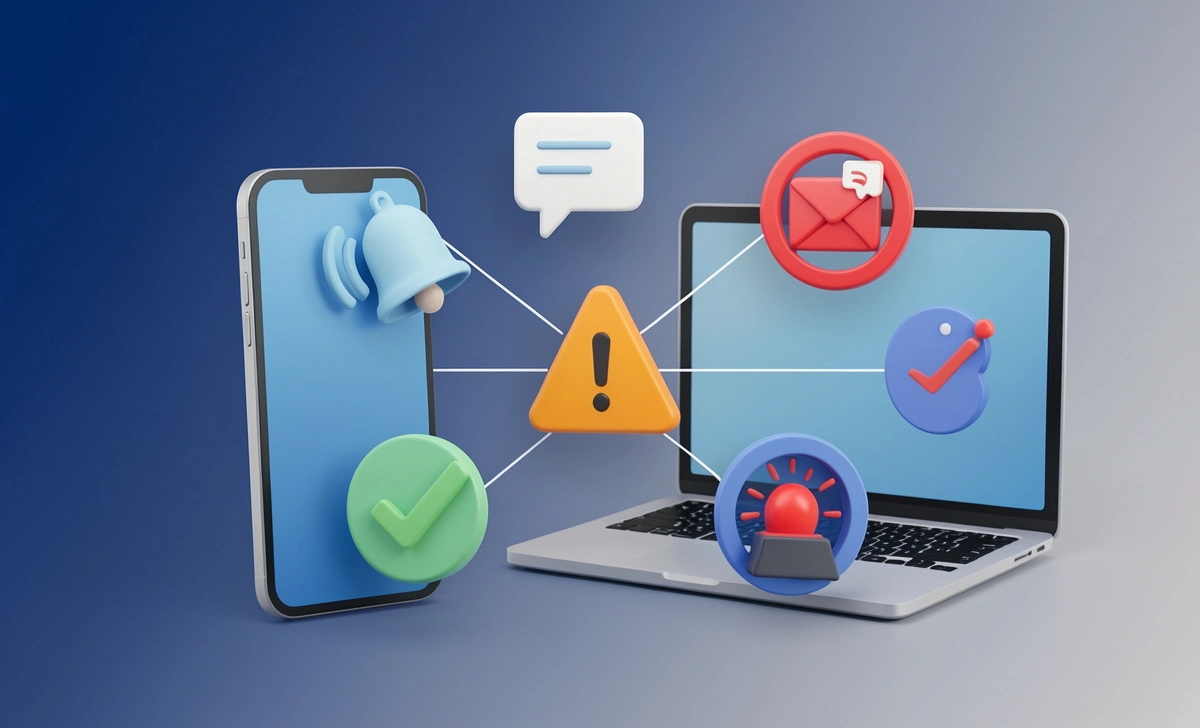
A typical notification system relies on a database of names, email addresses, and phone numbers. It uses various delivery methods—such as SMS, email, voice calls, or app push notifications—to reach people instantly. The goal is always the same: deliver timely, relevant information right when it’s needed most.
Common Questions People Ask About Notification Systems
Before diving into the types, let’s address some real questions users often search for:
- “What’s the difference between a mass notification system and wireless emergency alerts?”
- “Can I use notification systems for non-emergency purposes like marketing?”
- “Do notification systems work without internet?”
- “How do schools send lockdown alerts without causing panic?”
- “Are notification systems expensive to set up for a small business?”
We’ll answer these naturally throughout the article.
Types of Notification Systems Based on Delivery Method
1. Mass Notification Systems (MNS)
Mass notification systems are designed for large-scale communication during crises. Law enforcement, fire departments, and local governments often use these to send recorded voice messages, text alerts, or emails to thousands of people within seconds.
These systems require a strong communication infrastructure and enough bandwidth to handle high message volumes. They can be triggered manually by a person or automatically by sensing devices like gas detectors, smoke alarms, or water sensors.
Real-world example: During a wildfire evacuation, a county emergency management office uses a mass notification system to call all landlines and mobile phones in the affected zone with evacuation instructions.
2. Wireless Emergency Alerts (WEA)
You’ve likely received a WEA on your phone—those presidential alerts, AMBER alerts, or extreme weather warnings. WEAs are sent by authorized government agencies to all wireless devices in a specific geographic area. No opt-in is required, and they don’t count against your text plan.
User concern addressed: “Will I get alerts if my phone is on silent?” Yes, WEAs are designed to bypass silent mode for critical alerts, though users can opt out of some (except presidential alerts).
3. SMS Text Notification Systems
Unlike WEAs, SMS text notification systems require users to opt in. Organizations build a database of phone numbers from people who choose to receive updates. This is common for appointment reminders, two-factor authentication codes, or promotional alerts.
Example: A dental clinic sends a text reminder 24 hours before your scheduled cleaning. You can reply “CONFIRM” or “RESCHEDULE.”
4. Public Outdoor Notification Systems
Think of tornado sirens or tsunami warning speakers along a coastline. These systems use stationary speakers and sirens placed throughout an area. Authorities activate them during immediate threats to alert anyone outdoors. They work even when cell towers fail—a critical advantage during major disasters.
5. Color-Coded Alert Systems
You’ve probably seen color-coded alerts in hospitals or industrial facilities. For instance:
- Code Blue – Medical emergency (adult)
- Code Red – Fire
- Code Pink – Infant abduction
The benefit? Color-coded alerts communicate a crisis silently and efficiently without alarming patients or visitors. Only trained staff need to know what each color means.
User concern addressed: “Don’t color codes confuse people?” In well-trained environments, they actually reduce panic because the general public doesn’t recognize the alert, while staff respond immediately.
6. Organizational Emergency Alert Systems
Tailored for schools, businesses, and large organizations, these systems send notifications to computers, mobile devices, digital signage, and desk phones simultaneously. This multi-channel approach ensures that no one misses critical information, whether they’re at their desk or in a meeting.
How Different Industries Use Notification Systems
Let’s look at real-world applications across sectors. This helps you see which type might fit your own situation.
Tech Companies
Entities like Google and Microsoft use notification systems for:
- User alerts: Security warnings, new feature announcements, privacy policy updates
- Employee communication: IT maintenance windows, office closures, internal training reminders
Healthcare Providers
Hospitals and clinics rely heavily on notification systems for:
- Appointment reminders (reducing no-shows by up to 30%)
- Emergency alerts to quickly mobilize staff during a code blue or mass casualty event
- Lab result notifications are sent directly to patients via secure portals
Real-world example: A heart attack patient receives an automated text reminding them to take their blood pressure reading. If they don’t log a reading, the system escalates to a nurse call.
Financial Institutions
Banks and credit unions use notification systems for:
- Transaction alerts (e.g., “Your card was just used for $52.17 at Gas Station X”)
- Fraud alerts – instantly notifying you of suspicious activity so you can verify or block the charge
- Payment reminders to avoid late fees
Educational Institutions
Schools and universities balance safety and routine communication:
- Parental notifications about school closures, early dismissals, or lockdowns
- Student alerts for class cancellations, grade postings, or enrollment deadlines
- Emergency drills with color-coded or silent alert options to avoid panic
User concern addressed: “How do schools send lockdown alerts without causing panic?” Many use discreet mobile app alerts for staff only, combined with public address announcements that sound routine but signal specific actions.
Retail and E-commerce Companies
If you’ve ever shopped online, you’ve experienced retail notification systems:
- Order updates – “Your package has shipped” with tracking link
- Promotional alerts – flash sales, back-in-stock notices, abandoned cart reminders
- Delivery updates with real-time GPS tracking (common with FedEx and UPS)
Government Agencies
Public safety is the primary driver here:
- Public safety alerts for natural disasters, active threats, or health emergencies
- Service notifications about changes in office hours, road closures, or community event cancellations
- Public health recalls (e.g., contaminated food products)
Transportation and Logistics
FedEx, UPS, and local delivery companies rely on notification systems for:
- Delivery updates – estimated arrival windows, delay notifications, proof of delivery
- Operational alerts for internal teams about route changes, weather impacts, or vehicle issues
Which Notification System Is Right for You?
The answer depends on your specific needs. Here’s a quick decision guide:
| If you need… | Consider… |
|---|---|
| To alert an entire city about a tornado | Wireless Emergency Alerts (WEA) or public outdoor sirens |
| To remind patients about appointments | SMS text notification system |
| To communicate silently during a hospital emergency | Color-coded alert system |
| To reach employees on both computers and phones | Organizational emergency alert system |
| To send promotional offers to opt-in customers | SMS or email notification system |
| To warn a neighborhood about a gas leak | Mass notification system with voice calls |
Important Considerations Before Implementing a Notification System
1. Bandwidth and Infrastructure
Mass notification systems require sufficient bandwidth, especially if you’re sending voice messages or large files. Test your system’s capacity before an actual emergency.
2. Opt-in vs. Mandatory Alerts
Understand legal requirements. WEAs don’t need opt-in. SMS marketing does. Healthcare appointment reminders fall somewhere in between—patients typically agree during intake.
3. Redundancy
Don’t rely on a single method. The best notification systems use multiple channels: SMS, email, voice call, and app push notifications. If one fails, others still work.
4. Trigger Mechanisms
Will your system be triggered automatically by sensors (smoke, gas, motion) or manually by a person? Both have pros and cons. Automation is faster but can cause false alarms. Manual allows judgment but risks human delay.
The Future of Notification Systems
Notification systems are becoming smarter. Artificial intelligence now helps filter non-emergency messages so users don’t experience “alert fatigue.” Geolocation improvements mean alerts can target a single floor of a building rather than an entire zip code. Integration with smart home devices (Alexa, Google Home) is also growing—imagine your home speaker announcing a tornado warning even if your phone is on silent.
Final Thoughts
Notification systems are no longer a luxury—they’re a necessity. Whether you’re a school administrator, a small business owner, or just someone who wants to understand how emergency alerts work, knowing the different types helps you make better decisions.
The right system delivers vital information precisely when people need it. It keeps communities safe, customers informed, and employees connected. And in an emergency, it can quite literally save lives.
Take the time to assess your needs, test your infrastructure, and choose a notification system that balances speed, reliability, and user experience. Your future self—and the people who depend on you—will thank you.