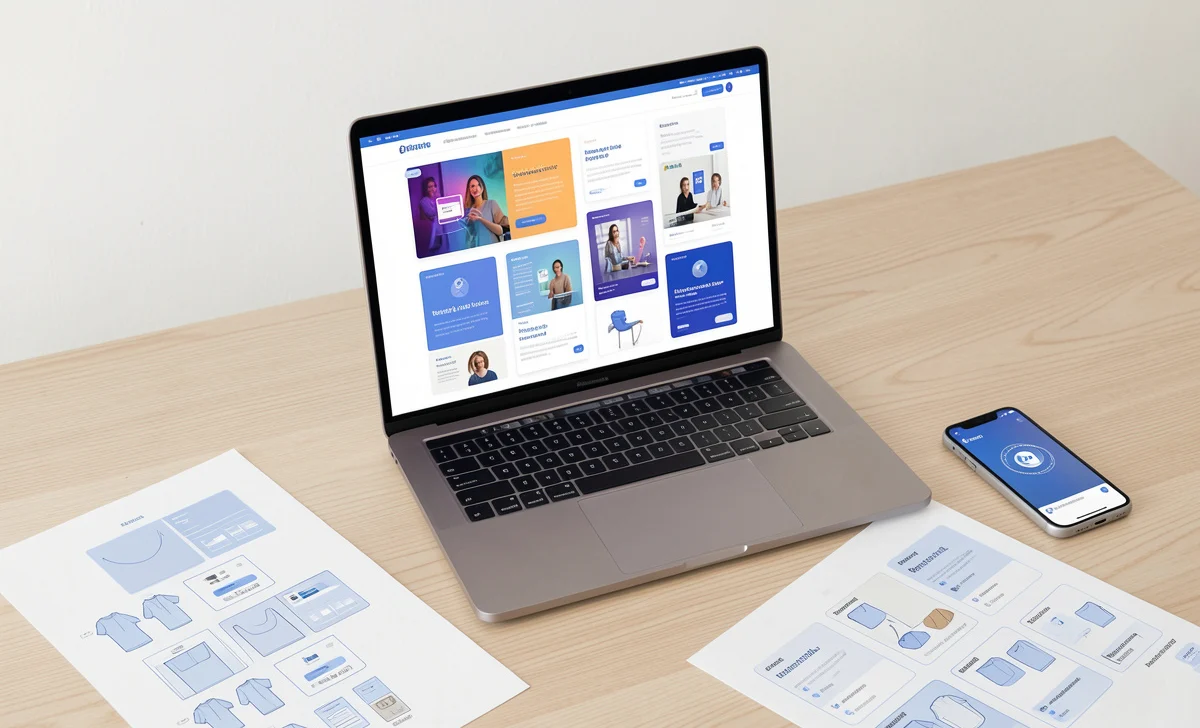
If you’re a designer—or even someone just stepping into the world of app and web design—you’ve likely heard the term “UI mockup” thrown around. But what does it actually mean in 2026? And more importantly, where can you find high-quality, free mockup templates without wasting hours searching?
Whether you’re designing a mobile app, a responsive website, or a desktop interface, UI mockups remain a crucial part of the design process. In this guide, we’ll walk you through everything you need to know about UI mockups, why they still matter in today’s AI-driven design world, and exactly where to download free templates that look professional and save you time.
What Exactly Is a UI Mockup?
A UI mockup is a static, mid-to-high-fidelity visual representation of a product’s interface. Think of it as a realistic preview of what your final app or website will look like—but without the clicks, swipes, or interactive elements.

Unlike wireframes (which focus on structure and layout) or prototypes (which focus on functionality and interaction), mockups sit right in the middle. They show you the colors, typography, icons, images, and overall visual style. They answer the question: “How will this actually look to users?”
In 2026, UI mockups have evolved alongside design tools. Many designers now use AI-assisted platforms that can generate mockup variations instantly. But the core purpose remains unchanged: mockups help you visualize the final product before investing time in development.
What Goes Into a UI Mockup?
When designers create UI mockups, they combine several visual elements:
- Color schemes that match the brand identity
- Typography choices that enhance readability
- Iconography that guides users intuitively
- Layouts and spacing that create visual hierarchy
- Genuine content (or realistic placeholder text) to show context
- Navigation elements like menus, buttons, and tabs
The goal is to create something that looks almost like the finished product—so stakeholders, clients, and developers can see exactly what they’re building.
Why UI Mockups Still Matter in 2026
You might wonder: with all the advanced prototyping tools and AI design assistants available today, are mockups still necessary?
The short answer is yes. Here’s why:
1. They Visualize Design Concepts Clearly
Mockups turn abstract ideas into something tangible. When you’re presenting to clients or team members, a polished mockup speaks louder than words. It helps everyone see the same vision and reduces misunderstandings before development begins.
2. They Help Identify Issues Early
When you see your design in a realistic format, problems become obvious. Maybe the color contrast is too low. Maybe the text is hard to read on certain backgrounds. Maybe the call-to-action button doesn’t stand out enough. Catching these issues in the mockup stage saves hours of development rework.
3. They Improve Communication
Designers, developers, and clients all speak different languages. Mockups create a common ground. Developers can see exactly what to build. Clients can give feedback on the look and feel. Designers can explain their choices visually. Everyone stays on the same page.
4. They Speed Up the Approval Process
Getting buy-in is easier when people can see what they’re approving. Mockups give stakeholders confidence that the final product will match their expectations—which means fewer rounds of revisions later.
Common Questions Designers Ask About UI Mockups
Over the years, I’ve worked with many designers—both beginners and experienced professionals. Here are some questions I hear often:
What’s the difference between a wireframe, mockup, and prototype?
This confusion is completely normal. Here’s a simple breakdown:
- Wireframes are like architectural blueprints. They show structure, layout, and content hierarchy—but no colors or styling.
- Mockups are like artist renderings. They show colors, typography, and visual design—but no interaction.
- Prototypes are like test flights. They simulate user interactions and show how the product behaves.
Each serves a different purpose, and you’ll typically move through all three stages in a design project.
Do I need to create mockups for every screen?
Not necessarily. Focus on key screens that represent the core user journey. For a shopping app, that might be the home screen, product page, cart, and checkout. Once those are approved, you can apply the same visual style to other screens.
Can AI tools replace mockup design?
AI tools have certainly changed the game. In 2026, platforms like Visily and others can generate mockup variations from text descriptions or hand-drawn sketches. But here’s the truth: AI is a powerful assistant, not a replacement. It handles repetitive tasks and suggests options—but human designers still make the strategic decisions about user experience, brand identity, and emotional connection.
6 Tips for Creating UI Mockups Faster
Speed matters in design. Clients want results quickly, and tight deadlines are the norm. Here are practical tips to create mockups faster without sacrificing quality.
1. Start with Rough Sketches
Before opening any design tool, grab a pen and paper. Sketching is quick, low-pressure, and helps you explore multiple ideas. You can sketch anywhere—at your desk, in a café, or even while relaxing. Paper is cheap, and experimentation is free.
Try sketching 3-4 different layouts for the same screen. Place them side by side and see which one feels right. This simple habit saves hours of digital rework later.
2. Adopt a Mobile-First Approach
Always design for the smallest screen first, then scale up. This forces you to prioritize what truly matters. When you start with a desktop and try to shrink down, you end up with cluttered mobile experiences.
Mobile-first design is especially important in 2026, with users accessing content across countless devices—from phones and tablets to foldables and smartwatches.
3. Remove Anything Unnecessary
In UI design, less is almost always more. Every element on your screen should serve a purpose. If something doesn’t help users complete their task, consider removing it.
Ask yourself: “Does this button need to be here? Is this image adding value? Would the screen work without this decoration?” Clean, focused interfaces create better user experiences.
4. Leverage UI Kits and Icon Sets
You don’t need to design every button and icon from scratch. UI kits provide pre-designed components that you can customize and combine. This isn’t cheating—it’s working smart.
Many of the websites we’ll share below offer free UI kits that include buttons, forms, navigation bars, and more. Use them as building blocks to assemble mockups quickly.
5. Use Established UI Patterns
UI patterns are proven solutions to common design problems. Think of things like shopping carts, login forms, search bars, and navigation menus. Users already understand these patterns, so they’ll feel comfortable with your design.
But here’s the key: only use patterns that solve a real problem. Adding patterns just because they look trendy can clutter your interface and confuse users.
6. Work with Vector Graphics
Vector files (like SVG) scale perfectly to any screen size—from small watches to large desktop monitors. They stay crisp on high-resolution displays without increasing file size.
In 2026, retina and ultra-high-definition screens are everywhere. Designing with vectors ensures your mockups look sharp on every device.
Top 5 Websites for Free UI Mockup Templates in 2026
Finding quality free mockups used to be a challenge. Today, thanks to these platforms, you can download professional templates in minutes. Here are my top recommendations:
1. Iconfinder
Website: https://www.iconfinder.com/
Iconfinder started as an icon marketplace back in 2007, but it has grown into so much more. Today, it offers thousands of UI mockup templates alongside its massive icon library.
What makes Iconfinder stand out is the quality control. Every template is reviewed for design standards, so you won’t waste time on low-quality downloads. The search functionality is powerful too—you can filter by style, license type, and format.
For designers who need vector icons to pair with their mockups, Iconfinder is a goldmine. You’ll find consistent styles that work together seamlessly.
2. Freepik
Website: https://www.freepik.com/
Freepik remains one of the largest repositories of free design resources in 2026. With millions of vectors, PSD files, and mockup templates, it’s often the first stop for designers worldwide.
The mockup collection covers everything—app screens, device frames, billboards, packaging, and more. You can search specifically for “UI mockup” and filter by style, orientation, or color.
One tip: Freepik’s free tier offers plenty of high-quality options, but proper attribution is required for some downloads. Always check the license before using templates in commercial projects.
3. Pixeden
Website: https://www.pixeden.com/
Pixeden has built a strong reputation for providing polished, professional design resources. Their free section includes carefully crafted UI mockup templates that rival many paid options.
What I appreciate about Pixeden is the attention to detail. Their mockups often include multiple angles, smart object layers, and organized PSD files that are easy to edit. If you’re presenting designs to clients, Pixeden’s mockups add a professional touch that impresses.
The website also offers textures, backgrounds, and web graphics—all useful for creating complete design presentations.
4. Mockplus
Website: https://www.mockplus.com/
Mockplus is more than just a template library—it’s a complete design platform. But their resource section deserves special mention.
Mockplus offers free UI mockup templates specifically designed for mobile, web, and desktop applications. These templates work seamlessly with their prototyping tool, but you can also download and use them in other design software.
What sets Mockplus apart is the variety of industries covered. Whether you’re designing a healthcare app, e-commerce site, or educational platform, you’ll find relevant templates to start from.
5. Futuramo
Website: https://futuramo.com/
Futuramo focuses on visual consistency. Their collection of UI mockups and icons is carefully curated to ensure all elements work well together.
With over 45,000 icons and mockups available, you’ll find options for almost any project. The icons come in 16 different styles, allowing you to match your brand’s aesthetic perfectly.
Futuramo also functions as a team collaboration tool, making it useful for design teams who need to maintain consistency across projects.
Visily: A Modern Alternative for Non-Designers
Before we wrap up, I want to mention Visily—a tool that’s gaining popularity in 2026, especially among non-designers and startup founders.
Visily combines AI assistance with an intuitive interface. You can create mockups by:
- Entering text descriptions and letting AI generate layouts
- Uploading screenshots of existing apps to customize
- Sketching ideas on paper and photographing them
- Starting from URL imports
The platform includes thousands of components—navigation bars, forms, headers, cards—that you can drag and drop. Best of all, Visily remains free with all features unlocked, making it accessible for anyone exploring design.
For entrepreneurs and product managers who need mockups but don’t have design training, Visily bridges the gap effectively.
Final Thoughts: Designing with Purpose
As you create UI mockups, remember this simple truth: you’re designing for real people with real needs. Your mockups should solve problems, not just look beautiful on a screen.
Focus on consistency. Use the same colors, fonts, and component styles throughout. Think about how users will navigate your interface. Test your assumptions by showing mockups to colleagues or potential users.
The tools and templates we’ve shared will save you time and help you present professional work. But ultimately, thoughtful design comes from understanding your users and crafting experiences that serve them well.
Whether you’re a seasoned designer or just starting, I hope this guide helps you create better mockups—and better digital products—in 2026 and beyond.