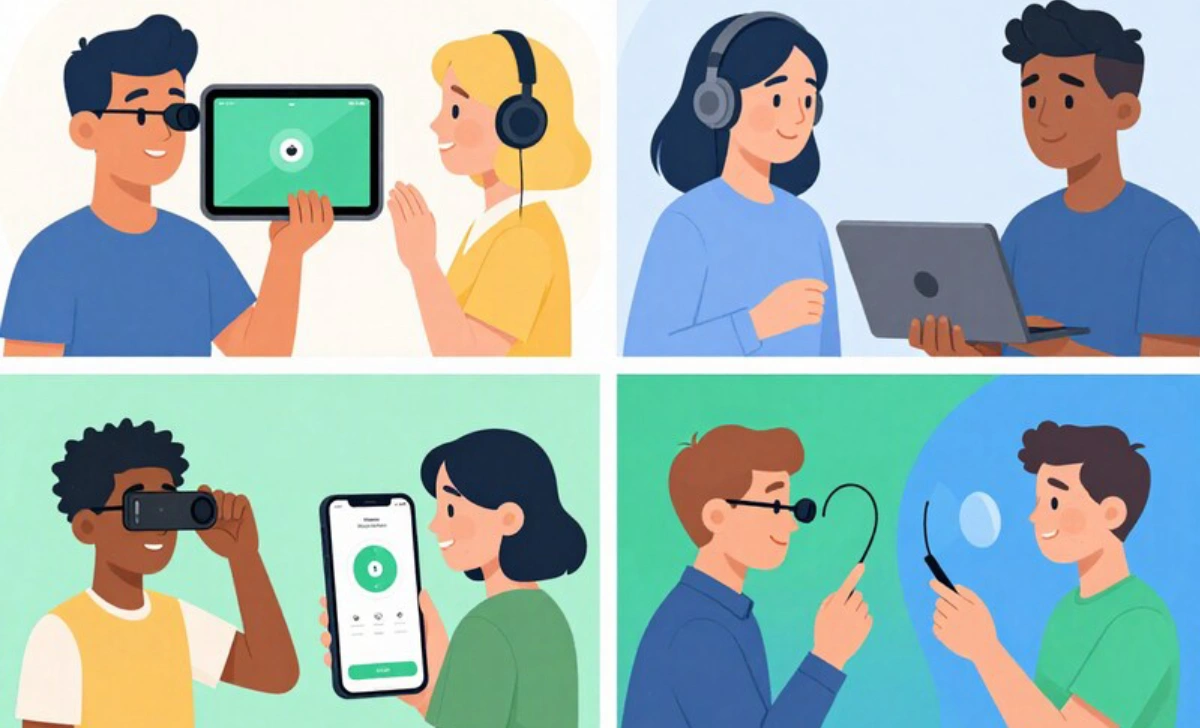
Designing websites that serve everyone means thinking beyond layouts and screen sizes. It means making sure people with disabilities can navigate, interpret, and use your content without barriers.
For frontend developers, QA engineers, and accessibility specialists, accessibility isn’t optional anymore. It’s a core part of what we build and how we test. Tools like accessibility extensions help move that work earlier into the workflow.
They catch compliance issues fast, often during development. But they don’t cover everything. For real-world validation, especially involving assistive technology, you need more than automated scans. That’s where real device testing comes in.


What Accessibility Extensions Do
An accessibility extension is usually a browser plugin that checks a page against accessibility standards. It flags things like poor contrast, missing alt attributes, broken heading hierarchies, invalid ARIA roles, or missing keyboard focus.
Tools like WAVE, Axe, and Lighthouse are used heavily by frontend teams, particularly those working with JavaScript frameworks like React or Angular. They’re easy to use. Click, scan, fix.
These tools show you problems and even suggest how to resolve them. For instance, if a button lacks an accessible label or a modal traps focus incorrectly, it’s often caught in the extension.
That said, they aren’t full simulators. They don’t replicate what happens when someone uses a screen reader. They don’t tell you how swipe gestures behave on a tablet.
They test markup, not experience. And they mostly run on static or lightly simulated DOMs. Which means deeper or behavioral issues often slip past unnoticed.
Why Real Device Testing Changes Everything
You can’t understand accessibility until you see your site running on actual devices, with real users, or at least real assistive tools. Real device testing means using a phone or tablet, or a desktop with its native screen reader, zoom levels, and system preferences in place.
Here’s a common example. Say you’ve built a modal that passes your browser extension check. The roles are right. The tab trap works.
But then you fire it up on an iPhone using VoiceOver. Suddenly, text is being announced out of order. Focus jumps outside the modal. Swipe gestures behave oddly.
Same code. Completely different experience.
Real device testing also helps reveal issues that only occur under specific user settings. For instance, a user might have reduced motion enabled, large text settings turned on, or a system-wide high contrast mode applied.
These preferences can alter layouts or suppress animations in ways that break UI flows. No browser extension will surface these issues.
Even something as simple as toggling system dark mode or adjusting screen zoom can throw off positioning and hierarchy. You might discover that modals become partially hidden, tooltip text cuts off, or navigation menus scroll offscreen.
These aren’t code errors. They’re UX failures under real-world constraints.
When Extensions Miss the Real Problems
Picture a large e-commerce site in mid-redesign. The developers use Axe and Lighthouse every sprint. They catch typical issues: contrast problems, unlabeled form inputs, and misused landmarks.
But once someone opens the site on Android with TalkBack, the skip nav link that should be touch-navigable doesn’t respond at all. On iOS, live regions used for announcing alerts are read in the wrong order.
No extension flagged that.
Another case: a government website passes Lighthouse scoring easily. But when tested using a braille display on Windows, the forms turn out to be functionally unusable.
The screen reader reads fields, but not in any logical flow. Inputs seem labeled, but don’t make contextual sense.
This kind of thing isn’t rare. It’s what happens when compliance gets confused with usability. Extensions check rules. Real device testing checks reality.
Building Accessibility Into CI/CD Workflows
Automation helps scale accessibility, especially when built into CI/CD pipelines. Tools like Axe-core provide command-line interfaces or APIs that let you plug scans into your deployment process.
For example, audits can run during every pull request. If someone introduces code that breaks contrast, drops alt attributes, or creates keyboard traps, the pipeline can block that merge.
It provides fast feedback and keeps issues from reaching production. Some teams use accessibility scores or thresholds, refusing to release code that falls below an agreed baseline.
It’s not perfect, but it enforces consistency.
That said, remember: what runs in CI is often a headless browser in a default desktop view. That means no mobile interaction, no screen reader simulation, no zoom-level testing.
CI checks are helpful, but they’re only part of the strategy. Real users don’t browse in headless Chrome.
Mobile Accessibility Has Its Own Rules
On mobile devices, everything changes. Layouts shift, buttons shrink, gestures matter. Screen orientation, input modes, and even font scaling can affect accessibility.
Browser-based tools can’t account for this.
That’s why real device testing matters here most of all. It lets you test how TalkBack, VoiceOver, and other tools interact with your app on a real screen.
You can check how dropdowns respond to swipe gestures, whether screen readers announce elements in the right order, and whether the UI stays usable at larger text sizes.
Small things, like whether a form’s label is announced before or after an input, can make or break usability. The only way to be sure is to test on the platform your users use.
Cloud platforms and device testing services make this easier. They let teams test on real mobile devices remotely, removing the need for in-house device labs.
It’s not a silver bullet, but it means you don’t have to guess how your app behaves on iOS 16 with VoiceOver and dark mode on. You can just go test it.
Compliance Isn’t Just a Checklist
For many industries, accessibility is legally required. Section 508 in the US. EN 301 549 in the EU. AODA in Canada.
These laws often align with WCAG 2.1 guidelines, but passing a scan doesn’t mean you’re in the clear.
Audits and lawsuits don’t just ask whether your code passed Axe. They ask how you tested it, what assistive technologies were involved, and whether real-world barriers were addressed.
That includes documenting the tools, devices, and processes used.
And some of the hardest things to test aren’t technical. Consistent navigation. Clear error messages. Plain language.
Tools can’t always measure that. Human judgment, and ideally user testing, is required.
Keeping a detailed record of what you found, what you fixed, and how you validated it shows diligence. That’s what helps when regulators, procurement teams, or legal teams come knocking.
Make Accessibility Part of the Workflow
Accessibility isn’t a QA phase. It’s part of the full product lifecycle. The earlier it’s integrated, the less painful it becomes.
At the design stage, run contrast checks and semantic audits. Flag issues before they hit code.
During development, run static analysis in the IDE. Validate focus behavior, ARIA usage, and keyboard support as you go. Don’t wait for QA to catch it.
During testing, mix automation with manual methods. Run your extensions, but also use screen readers, zoom tools, and keyboard-only walkthroughs. Test in multiple browsers and on real devices.
Across all of this, make accessibility a shared skillset. Don’t silo it. Designers, devs, and QA teams should all know the basics.
Run training. Create checklists. Share feedback. Loop in users with disabilities when possible. That feedback is invaluable.
If accessibility is treated like a separate task, it will always feel like overhead. But when it’s baked into existing processes, like code reviews, design sign-offs, or QA test plans, it becomes second nature.
Small additions help. Include accessibility criteria in acceptance requirements. Define ARIA usage patterns in your design system. These steps reinforce accessibility at scale.
Cross-functional pairing is another practical step. When developers sit with QA engineers or UX designers to walk through new components from an accessibility standpoint, knowledge gets shared naturally.
These collaborative habits improve consistency, uncover blind spots, and prevent isolated decisions that create barriers later.
And don’t just look inward. Join accessibility Slack groups. Watch what the community is doing. Standards evolve. Tools improve.
Staying connected makes your approach more flexible and more human.
A Real Accessibility Strategy Needs Layers
Extensions are part of the picture. They’re fast, helpful, and great for finding the obvious stuff. But they’re not a solution by themselves.
The best approach is layered. Use extensions to catch easy wins. Plug them into CI/CD pipelines for baseline protection.
Then go further: test on real devices, with assistive tech, in real conditions. That’s how you find the things that matter to actual users.
This practical approach bridges the gap between being technically compliant and ensuring the application is actually usable. Cloud-based device testing platforms can help teams scale mobile and cross-browser testing without the need for physical labs.
Final Thoughts
Accessibility isn’t a side task. It’s not just about compliance or checklists. It’s about making sure real people can use your product, no matter how they access it.
Extensions are helpful. Real device testing is essential. Combining them gives you the coverage, depth, and confidence to build accessible interfaces that work for everyone.
The teams that get this right don’t wait until launch. They build accessibility in, test it often, and refine based on how real people interact with what they’ve made.
That’s not a box to check. It’s part of good engineering.