
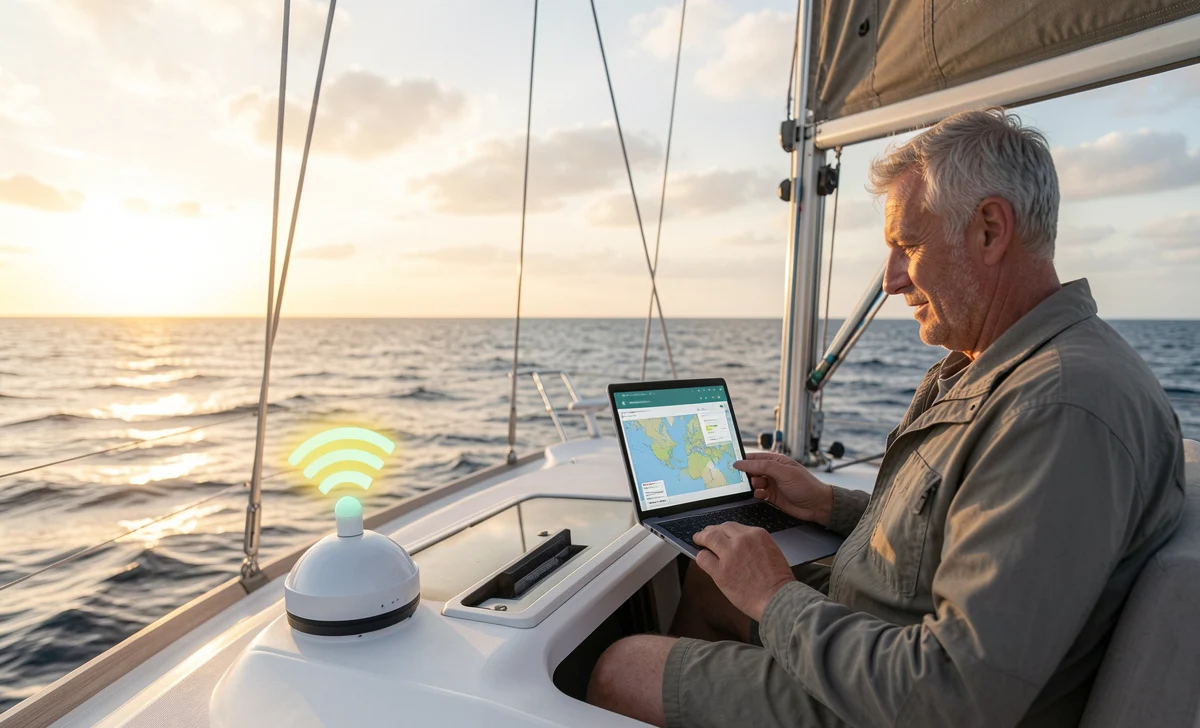
There’s nothing quite like the feeling of leaving the dock behind. The wind fills your sails, the shore shrinks to a thin line, and suddenly the world feels quieter. Sailing offers an escape from traffic, notifications, and the constant hum of daily life. Many people dream of going off the grid entirely.
But here’s the question real cruisers and liveaboards ask themselves: Do I really need internet at sea?
For a weekend trip, maybe not. But if you’re planning to live on a boat, cruise for weeks, or work remotely from a sailboat, a stable internet connection becomes essential. You’ll need it for weather updates, navigation apps, emergency communication, contacting family, and sometimes just to check email or stream a movie at anchor.
So let’s be practical. Getting internet on a boat is harder than on land, but it’s absolutely possible. Below are eight real-world ways to get internet while sailing, including costs, range, and what actually works offshore.
Why Is It So Hard to Get Internet at Sea?
Before jumping into solutions, it helps to understand the problem.
On land, cell towers are everywhere. Your phone connects easily because the towers are close. But the ocean has no towers. Once you sail more than a few miles from shore, land-based signals fade or disappear entirely.
Even close to the coast, signal strength can be spotty. Waves, boat motion, and even the materials in your hull can block reception. Most regular phones and laptops have weak antennas designed for city use, not offshore connectivity.
That’s why you need specialized marine internet solutions. The right setup depends on where you sail, how much data you need, and your budget.
1. Satellite Internet Hotspots – Best for Offshore Access
If you’re heading far out to sea, satellite internet is your most reliable option. Services like Starlink Maritime, KVH, and older providers use satellites in orbit rather than ground towers.
What works well:
Satellite internet is available almost anywhere in the U.S. and most oceans worldwide. You don’t need to see a cell tower.
What to watch for:
It’s not the fastest option, and signals can be spotty in bad weather or if your antenna loses line-of-sight to the sky. Data plans often have caps, and speeds may be throttled after you hit a limit. Cost is also higher than land-based internet.
User question: “Is satellite internet worth it for coastal cruising?”
For coastal sailing within a few miles of shore, probably not. But for crossing oceans or cruising far from land, it’s the only real choice.
2. Cellular Amplifiers & Marine Antennas
Many cruisers stay within 20 miles of the coast. If that’s you, a cellular signal amplifier can be a game-changer.
These systems use an external antenna mounted high on your mast or rail. It pulls in weak signals from land-based cell towers, then amplifies them inside your boat. You can connect your phone or a travel router to the booster.
Real-world performance:
Speeds up to 5–10 Mbps are possible, enough for email, weather apps, and basic browsing. Range can reach 20+ miles offshore depending on tower placement and conditions.
Cost:
Expect to spend around $400–$700 for a quality marine cellular amplifier like WeBoost.
Common concern: “Will this work if there’s no signal at all?”
No. An amplifier needs at least a faint signal to boost. If you’re completely out of range, it won’t help.
3. Travel Routers for Boats
A travel router is a small device that lets you share one internet connection across multiple devices. On a boat, this is incredibly useful.
For example, you might connect your travel router to a marina’s Wi-Fi or a cellular hotspot. The router then creates your own private onboard Wi-Fi network. Everyone on the boat can connect without logging in separately.
Cost:
$30 to $100 for basic models. Marine-specific routers cost more but offer better weather resistance and range.
Pro tip:
Look for routers that support external antennas. This lets you mount an antenna high on your boat for better reception.
4. Marina Wi-Fi with a Booster
Marina Wi-Fi is convenient and often free or low-cost. But let’s be honest: it’s rarely reliable.
Signals are weak, especially below deck. When the marina is full of other boats, bandwidth slows to a crawl. And once you leave the dock, you lose access completely.
How to make it work:
Use a Wi-Fi extender or long-range antenna designed for boats. These devices grab faint signals from shore and amplify them. You can pick up a marina’s Wi-Fi from hundreds of yards away instead of just a few feet.
Cost of equipment:
$100–$300 for a good marine Wi-Fi booster.
User reality check: “I tried using Marina Wi-Fi alone and got frustrated.”
That’s common. Think of Marina Wi-Fi as a backup, not your primary connection. Pair it with cellular or satellite for real reliability.
5. BGAN Systems – Powerful but Pricey
BGAN stands for Broadband Global Area Network. These devices look like a rugged laptop or notebook. You point them toward the sky, and they connect to satellites for broadband internet.
Pros:
Global coverage. Reliable speeds good enough for voice calls and moderate data use.
Cons:
Very expensive. Equipment costs range from $2,000 to $50,000. Data plans are also costly. Most recreational sailors skip BGAN unless they have professional needs (e.g., live streaming or business operations at sea).
Who is this for?
Serious offshore cruisers, commercial vessels, or sailors who need guaranteed connectivity regardless of location.
6. SUPER Wi-Fi – Long-Range Shore Access
Some boaters install long-range Wi-Fi antennas that can grab public or private signals from shoreside hotspots up to 10 miles away.
These systems work best in calm, open conditions with clear line-of-sight to the source. Buildings, trees, and hills block signals.
Realistic expectations:
You might get usable speeds near a coastal town with open Wi-Fi. But as distance increases, performance drops. This is not a solution for open ocean sailing.
Cost:
$100–$300 for antenna and receiver.
Common question: “Can I use someone’s private Wi-Fi without permission?”
No. Only connect to open public networks or those you have permission to use.
7. VHF Radio Email Services (Offshore Communication)
When you’re extremely far offshore, even satellite internet can be expensive or slow. That’s where VHF radio email services come in.
Services like SeaMail and Winlink Express use radio frequencies to send and receive basic emails. You can’t browse the web or stream video. But you can get text-based weather forecasts, send position reports, and communicate with family.
Range:
Up to 100 miles or more, depending on equipment and atmospheric conditions.
Cost:
Low usage fees. Equipment is often a VHF radio with a modem.
User perspective: “Is this still useful in the age of satellite?”
Yes. Many long-distance cruisers use radio email as a low-cost backup. It’s also required by some offshore races and rallies.
8. Iridium Go! – Global Hotspot for Text & Basic Data
The Iridium Go! The device is a small satellite communicator that creates a Wi-Fi hotspot on your boat. It connects to the Iridium satellite network, which offers pole-to-pole coverage.
Speeds:
Up to 128kbps. That’s slow. You won’t watch Netflix. But you can send emails, get weather GRIB files, and use messaging apps like WhatsApp in text mode.
Cost:
Hardware around $800–$1,000 plus monthly service plans.
Best for:
Sailors crossing oceans who need lightweight, global connectivity without spending thousands per month. Many circumnavigators rely on Iridium Go! paired with a tablet or laptop.
Real-World Setup: What Do Most Cruisers Actually Use?
After talking with liveaboards and offshore sailors, here’s what a practical setup looks like:
- Coastal cruising (within 20 miles): Cellular amplifier + travel router. Add a marina Wi-Fi booster as a backup.
- Nearshore but remote: Same as above, plus a VHF radio email system for emergency and basic texts.
- Offshore / ocean crossing: Satellite internet (Starlink or Iridium Go!) + VHF radio email. Some carry both for redundancy.
No single solution works everywhere. The smart approach is to layer two or three methods, so you’re never completely disconnected when you need help.
Disadvantages of Relying Only on Marina Wi-Fi
Let’s be clear. If you plan to live on a boat or cruise for more than a weekend, don’t depend on marina Wi-Fi alone.
Here’s why:
- Limited range: Most signals die within a few hundred feet of the office.
- Slow speeds: Shared networks mean everyone fights for bandwidth.
- Frequent disconnections: Weak signals drop constantly.
- Security risks: Public networks are easy targets for hackers. Never do banking or enter passwords on unsecured marina Wi-Fi.
- No offshore access: The moment you leave the dock, you lose internet completely.
Use Marina Wi-Fi for casual browsing at the dock. For everything else, invest in your own marine internet solution.
Final Thoughts: Staying Connected at Sea Is Possible
Years ago, sailors had no choice but to go completely offline. Today, that’s changed.
Whether you need internet for weather monitoring, navigation updates, remote work, or just calling home, there are real solutions available. Satellite internet, cellular amplifiers, long-range Wi-Fi antennas, and VHF radio email all have their place.
The key is honest planning. Ask yourself:
- How far offshore will I go?
- Do I need real-time browsing or just text emails?
- What’s my monthly budget for data?
Once you answer those questions, choose one or two methods that fit your sailing style. Test them close to shore before heading offshore. And always have a backup plan.
With the right equipment and realistic expectations, you can enjoy the freedom of sailing without giving up the modern internet access you need.