
The internet has given ordinary people an extraordinary opportunity: the chance to start a real business from home without spending a fortune on start-up costs. For many, achieving financial independence no longer requires a physical storefront, a large team, or a massive loan. Today, starting a business can be as simple as learning how to create business website that works for you 24/7.
If the idea of being your own boss and building something sustainable appeals to you, then your first real step is knowing exactly how to create a business website that attracts customers, builds trust, and generates sales. This guide will walk you through everything you need to know—not just the technical steps, but the strategic decisions that separate successful websites from those that never get traffic or revenue.
Step 1: Define Your Website Purpose Before You Do Anything Else
Before you buy a domain name or sign up for hosting, stop and get clear on your website’s purpose. This single decision will shape everything that follows.
Ask yourself honestly: Will I be running an online store, or do I just need a website to advertise my services?
If you plan to sell physical products, digital downloads, or subscriptions, you need an e-commerce site. That means product pages, a shopping cart, and a payment processor. But even if you only offer offline services—like landscaping, tutoring, or consulting—you can still benefit from selling online. Many service-based businesses give website visitors the option to pay for services in advance online, which improves cash flow and reduces no-shows.
A common question beginners ask is: “Can I start with a simple brochure site and add eCommerce later?” Yes, absolutely. But knowing your website’s purpose upfront saves you time, money, and redesign headaches down the road.
Step 2: Choose a Domain Name That Works for Real People
Your domain name is your website’s main identifier. It’s how customers will find you, remember you, and refer you to others. When you are marketing your business, you will always market it by its domain name, so getting this right matters.
Here’s what experienced website owners have learned the hard way:
- Keep it short and easy to spell. If you have to spell it out every time, it’s too complicated.
- Avoid numbers and hyphens. They confuse people.
- Use a relevant extension like .com, .shop, or .co (but .com is still king for trust).
- Do not create a website with a name that is similar to another business in your niche. That leads to legal trouble and lost customers.
A real-world concern many new business owners share: “What if the domain I want is taken?” Try adding a word like “get,” “hello,” or “use” before your brand name, or try a different extension. But avoid weird spellings—they hurt word-of-mouth marketing.
Step 3: Invest in Quality Web Hosting (Don’t Skimp Here)
Web hosting is where your website lives. And if you choose poorly, your site’s visitor experience will be negatively impacted from day one.
Many beginners make the mistake of picking the cheapest shared hosting plan they can find. Then they wonder why their website loads slowly, crashes during traffic spikes, or gets frequent downtime. If you arrange a poor-quality host, your website will experience a lot of downtimes and will likely operate very slowly. That frustrates visitors, kills sales, and hurts your search rankings.
For a serious online business, consider investing in an NVMe server. NVMe (Non-Volatile Memory Express) storage is significantly faster than traditional SSD hosting. The better the quality of your host and server, the better your website will be.
Why does this matter to your customers? Because if visitors have to battle with slow loading times and frequent downtime, they will leave bad reviews and won’t want to do business with you. In fact, studies show that a one-second delay in page load time can reduce conversions by 7%.
A common user question: “Can I upgrade hosting later?” Yes, most good hosts allow you to scale up. But migrating a live website is a hassle. Start with reliable hosting from day one.
Step 4: Create Pages That Build Trust and Clarity
Once you have a host and a domain name, you can begin creating your website’s pages. The method you use depends on whether you are using a web builder or hiring a web developer (more on that at the end).
Regardless of the method, your pages must look professional. That doesn’t mean flashy—it means clean, easy to read, and trustworthy. You should also dedicate time to creating concise descriptions for the products or services available on your website.
Essential pages every online business needs:
- Homepage – Explains who you are and what you do within seconds.
- About page – Your story, mission, and why people should trust you.
- Product/Service pages – Clear pricing, benefits, and calls to action.
- Contact page – Easy way to reach you (email, form, phone).
- FAQ page – Answers common customer concerns upfront.
Real user feedback often includes: “I didn’t buy because the site looked sketchy.” Professional design and clear content directly impact sales.
Step 5: Set Up a Reliable Payment System
If you are going to be running an e-commerce site or want customers to pay for services online, you will need a payment processor. A third-party payment processor handles the secure transfer of money from your customer to you.
The good news? You don’t have to build this from scratch. The internet’s swarming with payment solutions. The most popular payment processor used by businesses is PayPal, but there are many others like Stripe, Square, and Authorize.net.
You should also consider allowing your customers to pay by card directly on your site. Most people prefer paying by card rather than being redirected to another website. If you can’t offer customers on-site card processing, use a payment processor that redirects them temporarily to complete payment—just know that some customers abandon carts at the redirect step.
Common concerns from real business owners:
- “How much do payment processors charge?” Typically 2.9% + $0.30 per transaction.
- “Is PayPal safe?” Yes, but have a backup processor in case they freeze your account (which happens).
- “Do I need a merchant account?” Not initially. Start with third-party processors.
Step 6: Publish Your Website (Make It Live)
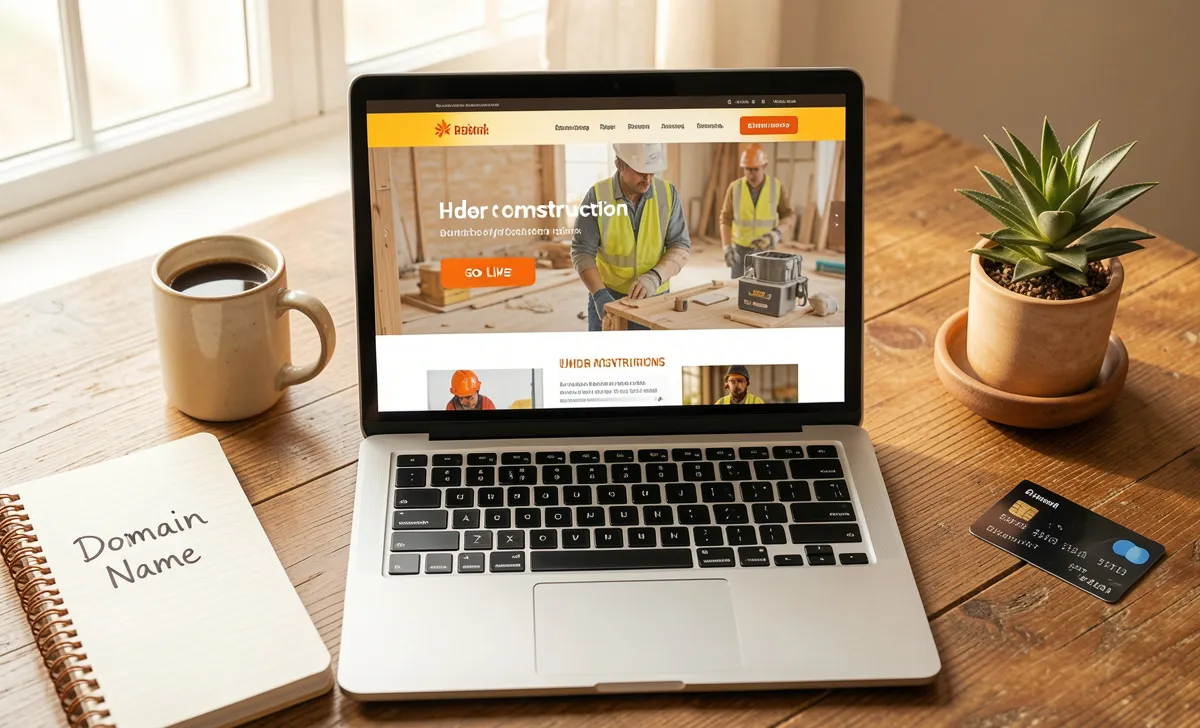
When you have arranged everything covered so far, you can go ahead and publish your website. Publishing simply means making your website live and visitable to the public.
If you are using a web-building platform like Wix, Squarespace, or Shopify, you just hit “Publish.” If a web developer is doing it for you, ask them to publish it once you’ve approved the final version.
Before you publish, do a final check:
- Test all links and buttons.
- Check your site on mobile and desktop.
- Make sure your contact form works.
- Read all text out loud for typos.
Once published, web users can type in your website’s address and arrive there. Congratulations—you now have a live online business.
Step 7: Market Your Website (Because Nobody Will Find It Automatically)
If you want your website and business to be successful, you must market it. This is where many new business owners fail. They build a beautiful site and then wonder why nobody visits.
The method by which you market your business depends on what sort of business you are running.
For a small, local business, use a combination of physical and digital marketing methods:
- Physical: Leafletting, flyers, local radio, business cards at community boards.
- Digital: SEO marketing, Google Business Profile, social media marketing, local Facebook groups.
For a national or global online business, focus on:
- Search engine optimization (SEO) so people find you when they search for what you sell.
- Content marketing (blog posts, videos, guides).
- Email marketing (build a list from day one).
- Paid ads (Google Ads, Facebook, Instagram).
If you aren’t confident marketing your business yourself, hire a marketing professional. But know that marketing isn’t particularly difficult to learn, especially with free online learning resources available on YouTube, blogs, and courses.
A frequent user question: “How long until I see traffic?” SEO takes 3–6 months to show real results. Social media can bring traffic faster. Paid ads are the fastest but cost money.
How to Create a Business Website: Web Builder vs. Web Developer vs. DIY Coding
There are three main ways to actually build your website. Each has trade-offs. So before you create a business website, decide which path fits your budget and skill level.
Web Builders (Best for Beginners)
If you are on a budget and not technical, use web-building services like Wix, Squarespace, Shopify, or WordPress + a page builder (Elementor, Divi). These platforms are drag-and-drop and include hosting or easy hosting integration.
The downside: They use templates. Due to how popular they are, thousands of people use the same template. Using a template that thousands of other people use means you won’t have a unique website. That said, most customers don’t notice or care—they just want a site that works.
Best for: Beginners, small budgets, fast launch.
Web Developers (Best for Custom Needs)
Web developers are expensive but useful. A professional web developer will create a website from scratch (or custom-coded on a CMS). You give them instructions, and they handle everything. You get greater control over design, functionality, and user experience.
Additionally, good web developers also provide support for their clients’ websites and perform routine maintenance. That’s valuable if you don’t want to deal with technical issues.
Best for: Businesses with specific needs, larger budgets, and those who want a truly unique website.
DIY Coding (Only for Experts)
If you are a qualified and experienced coder, you can build a website yourself using HTML, CSS, JavaScript, and a backend language. This gives you complete control but requires ongoing maintenance and security updates.
Best for: Developers and technical founders.
Final Thoughts: Invest Time and Money Wisely
If you are interested in creating a website for your business, you need to invest time and money into it. The best quality websites are those that have a lot of effort put into them. If you take any shortcuts—cheap hosting, a confusing domain name, sloppy design, or no marketing plan—it will impact your website’s quality and your business’s success.
Start small but start right. Define your website’s purpose. Choose a solid domain name. Invest in reliable hosting. Create professional pages. Set up a payment system. Publish. Then market consistently. Over time, your website can become the engine of your financial independence.